Connectors
Omnia plays nicely with other tools. We support two flavors of connectors: MCP Tools (remote tools the model can call) and Basic Tools.
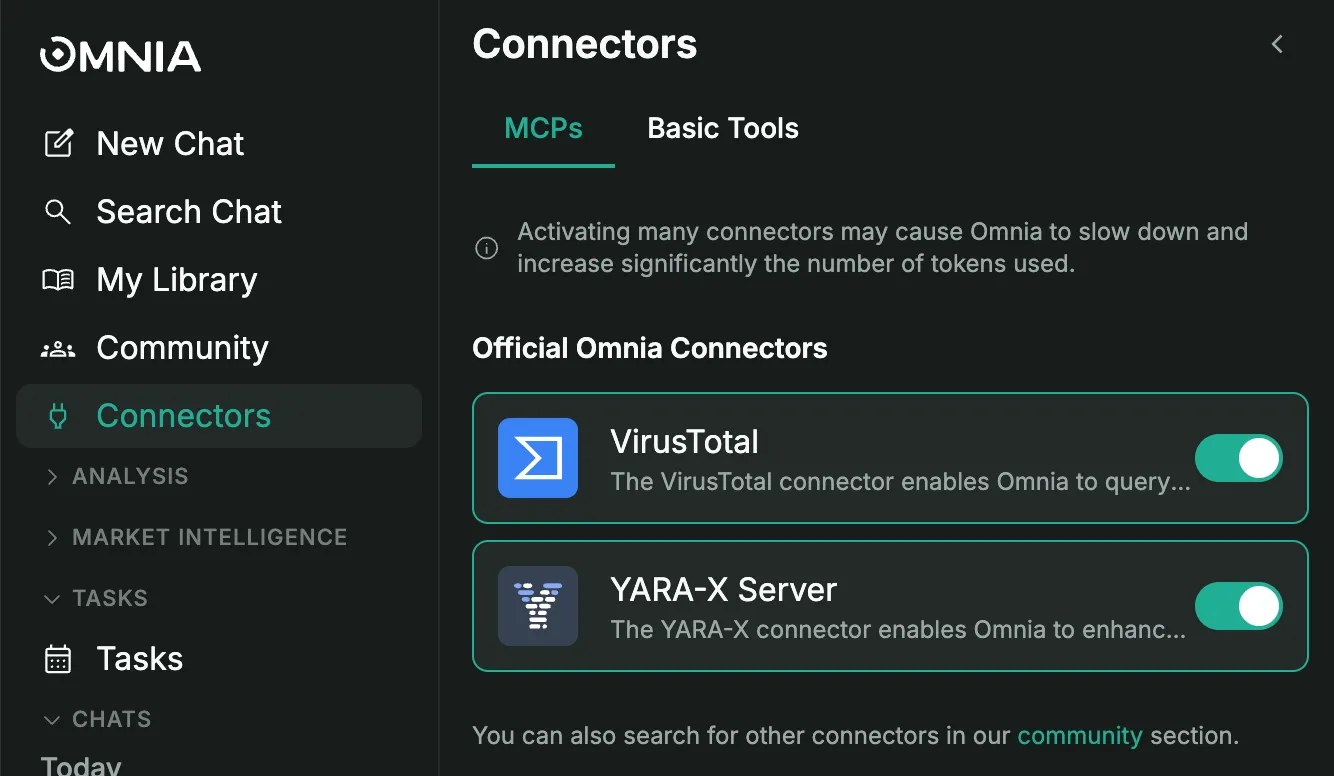
MCP Tools
Model Context Protocol enables LLMs to call external tools. You can easily manage them via toggle switches:
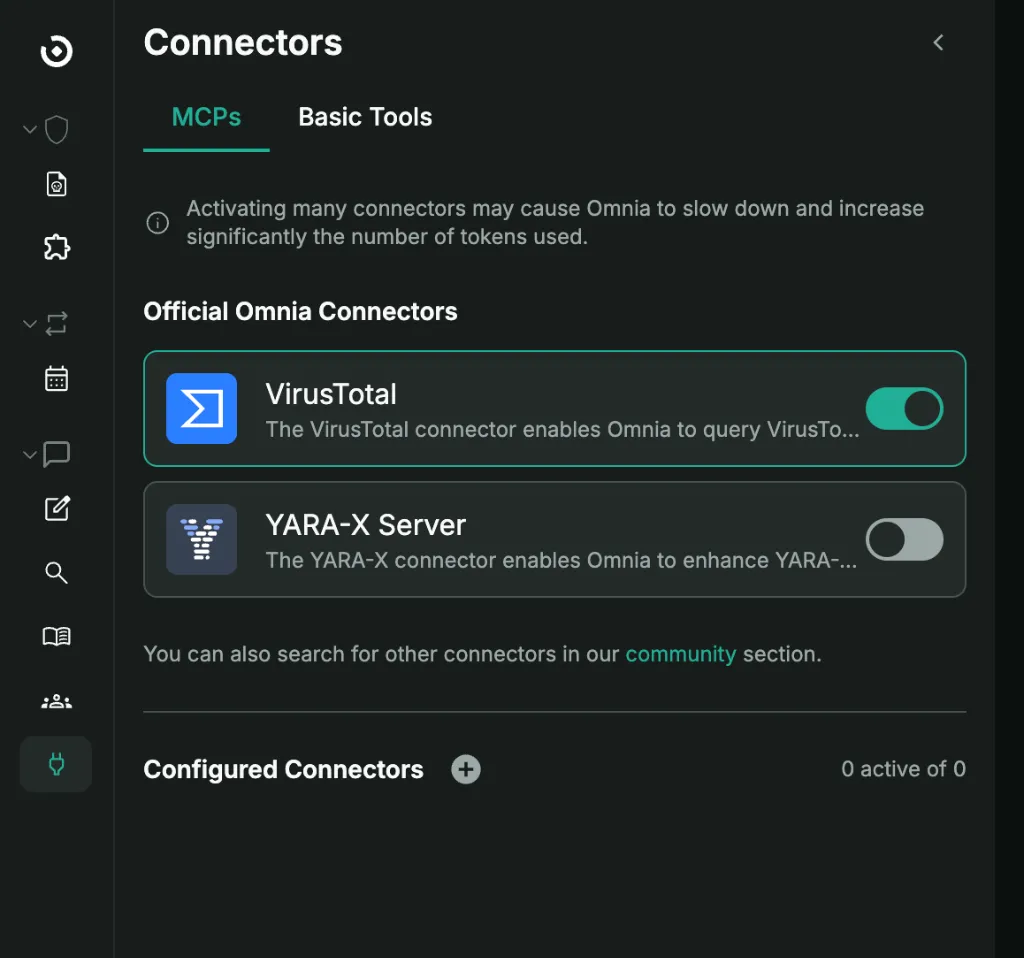
- Official Omnia Connectors: Simply toggle the switch to activate official integrations like VirusTotal or YARA-X Server.
- Configured Connectors: Add and manage your own custom MCP servers.
If you click on the Connector button in the message box, you can view the available tools and methods that are active.
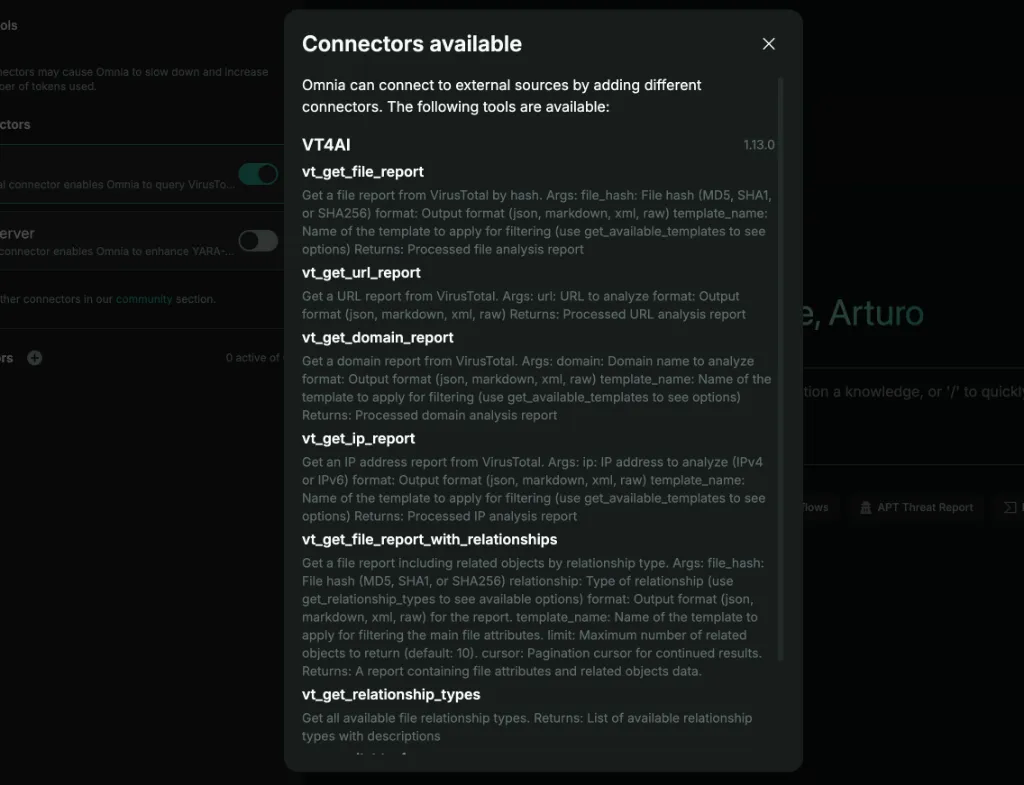
Once active, Omnia’s agents can automatically pick the right MCP tool at the right time.
Basic Tools
Built-in utilities for security workflows. Just toggle the switch to activate them:
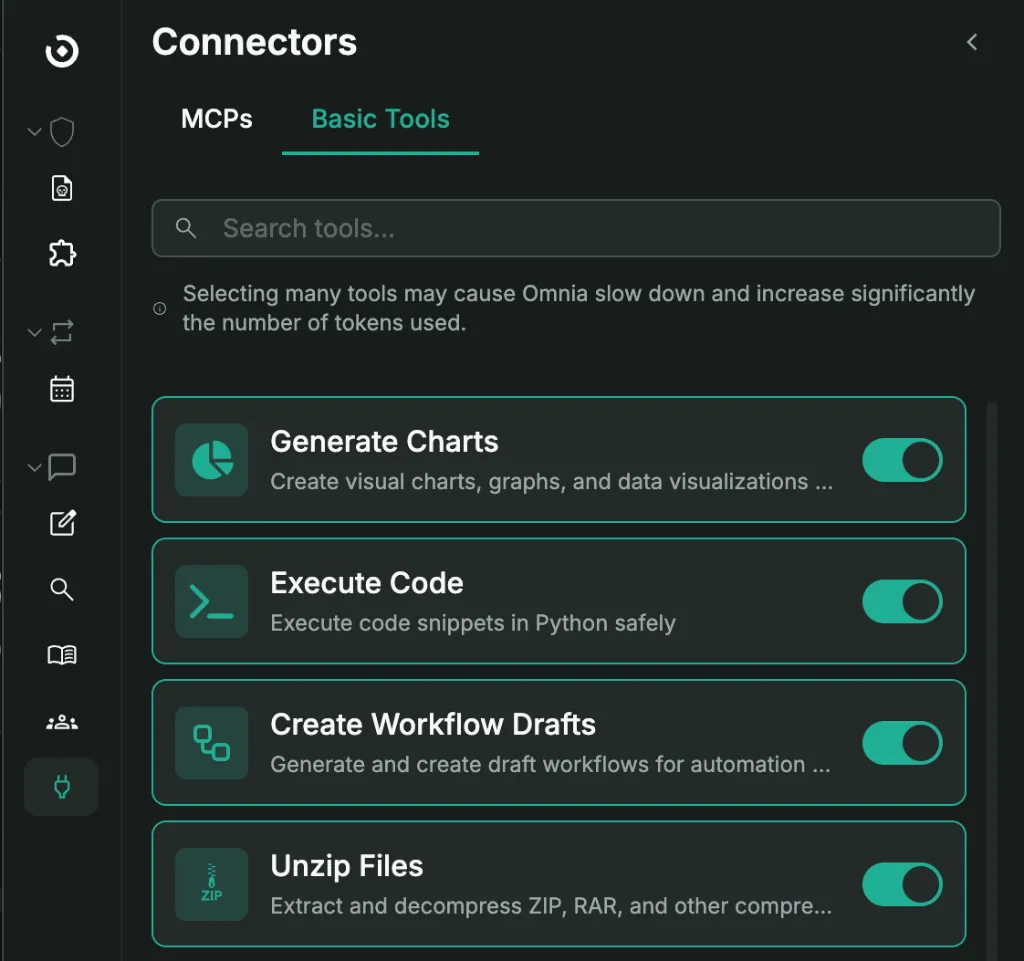
- Generate Charts — Transform data into visual formats
- Execute Code — Run Python in a secure sandbox
- Create Workflow Drafts — Convert natural language descriptions into executable playbooks
- Unzip Files — Extract compressed archives including password-protected ones
- Get Resource Content — Read file bytes and text
- Get Resource Information — Access file metadata and properties
- Create Reports — Generate structured documentation
- Get Resources from VirusTotal — Import files for analysis
- Omnia Memories — Maintain context across sessions
Delegation Tools (Swarm-style)
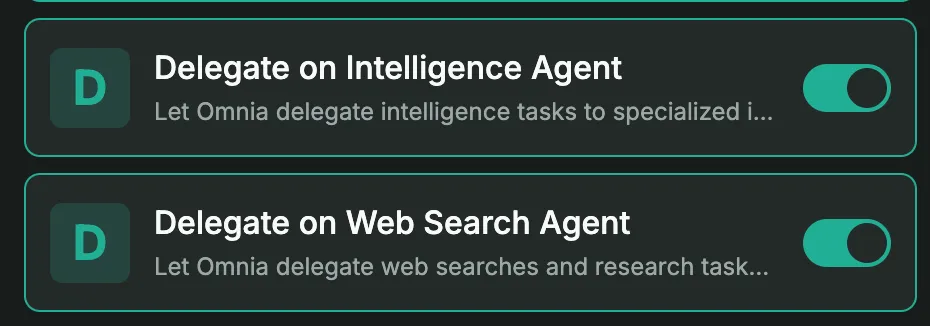
Omnia functions as an orchestrator:
- Delegate to Intelligence Agent — Perform threat intelligence lookups and enrichment
- Delegate to Web Search Agent — Handle web crawling and information collection
Mix MCP tools with Basic Tools, wire them into workflows, and share what works with the community.