Library
Your space, your stuff. “My Library” section holds everything you’ve made or forked so you can tweak, reuse, and ship faster.
Just like the Community section, the Library is organized into the same core types: Agents, Workflows, Prompts, Knowledge, MCPs, and Skills. The key difference is that this is your personal workspace where you can manage your own custom templates and decide whether to keep them Private or make them Public.
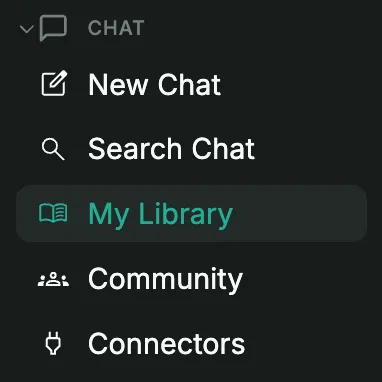
Create or Collect
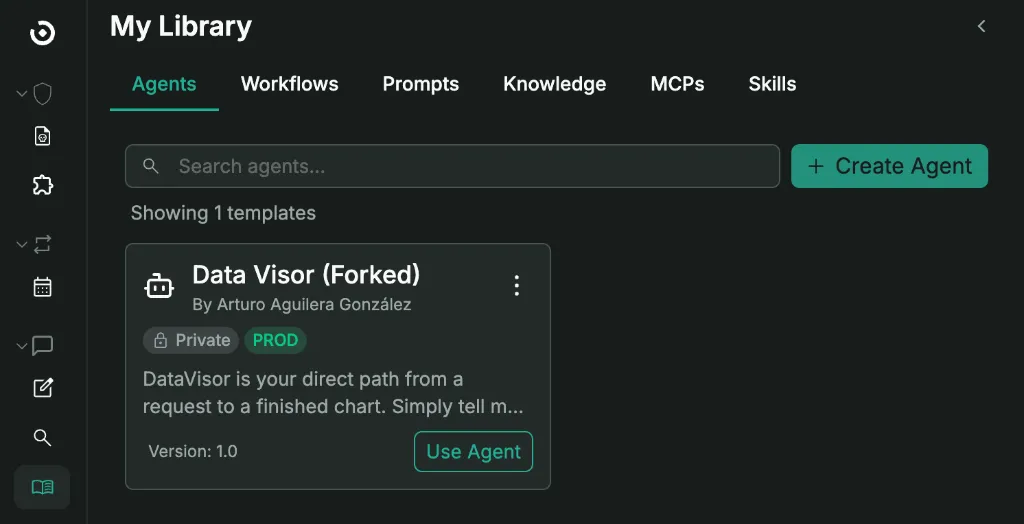
- Create Template: In each tab, you’ll find a button next to the search bar to spin up a new template of that specific type (for example, ”+ Create Agent”). Simply fill in the basics, define the behavior, and save.
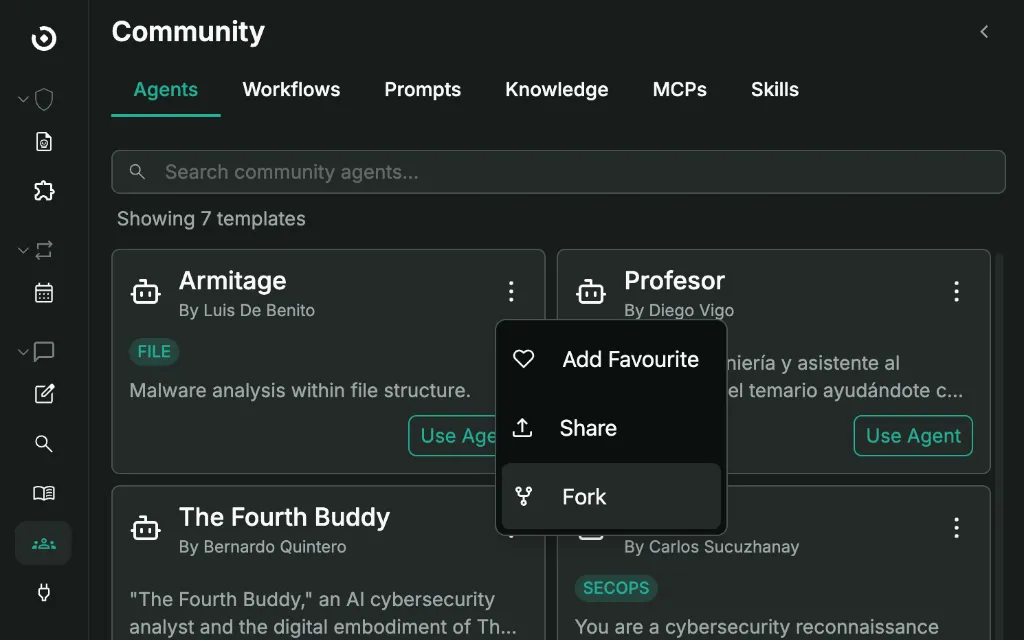
- Fork from Community: grab anything that looks useful. Use it as-is or fork it, your copy lands in My Library ready to edit.
Workflows, Quickly
You can start from a community template, or just describe your required playbook in plain English. When you ask for a workflow via chat, Omnia generates an initial visual draft of the process. From there, you have two options:
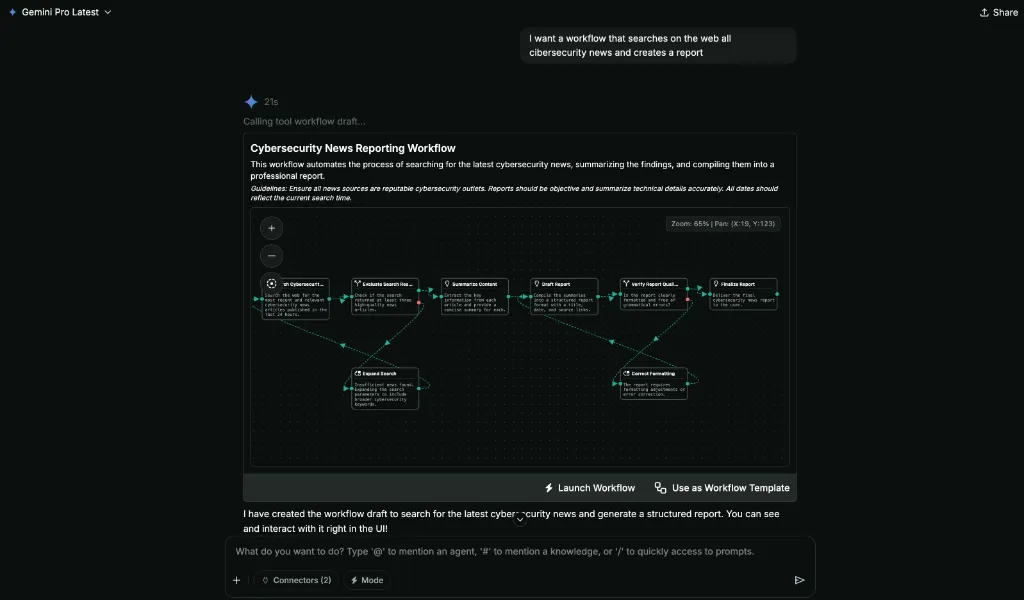
- Launch Workflow: Execute the drafted workflow immediately within the same chat.
- Use as Workflow Template: Save the drafted workflow into your Library so it persists for future reuse and further editing.
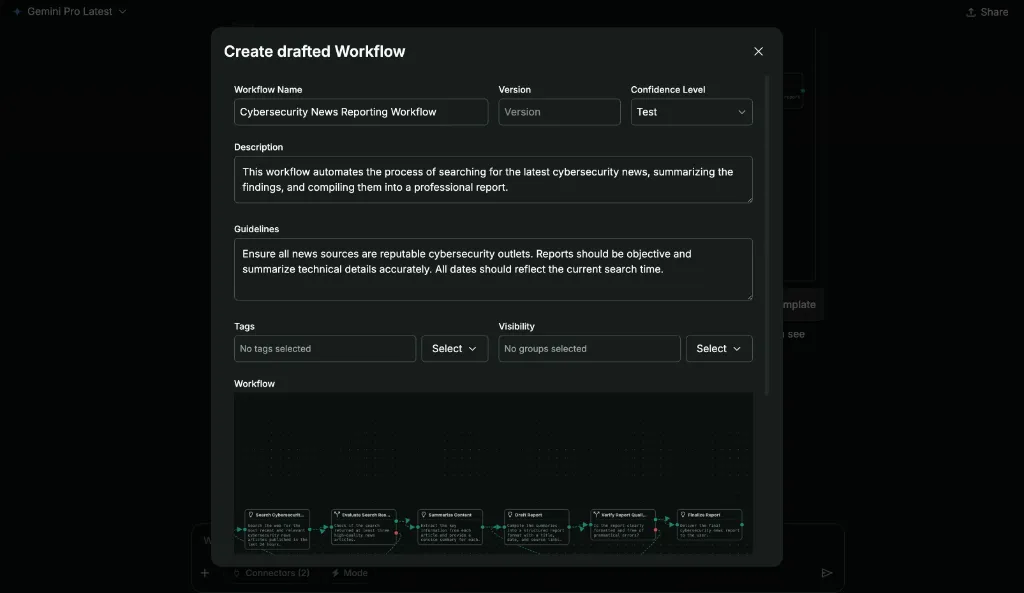
If you choose to save it as a template, a modal will appear with all the information pre-filled. You can modify the details as needed, and once you are satisfied, click Create Workflow to add it permanently to your Workflows.
Manage
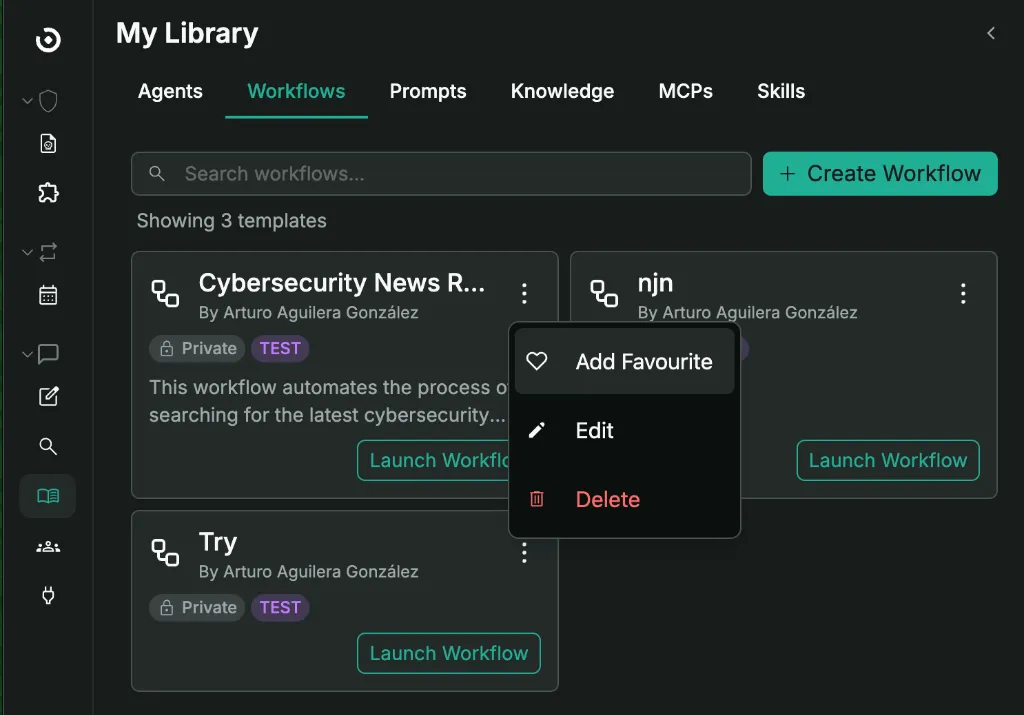
Edit, rename, update configs, delete what you don’t need, and favorite items for quick access.
Use from Chat
Everything in your library is one keystroke away:
@to mention an Agent#to reference a Knowledge base/for quick Prompts

Keep it simple: build what works for you, share what helps the next person.