Tasks
With Omnia, you can automate your tasks so that they run automatically at regular intervals.
Getting Started
- Access the task panel via the left sidebar
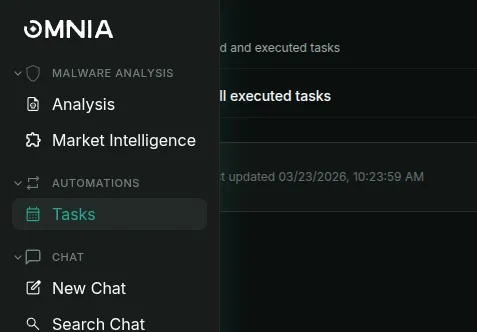
- On first visit, no scheduled tasks will appear
- Click “Schedule Task” (top right) to begin
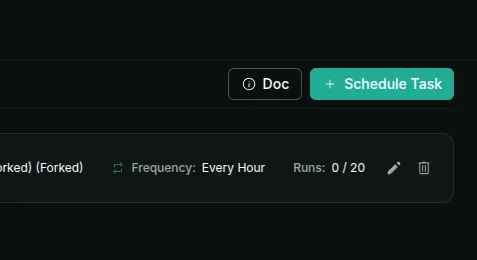
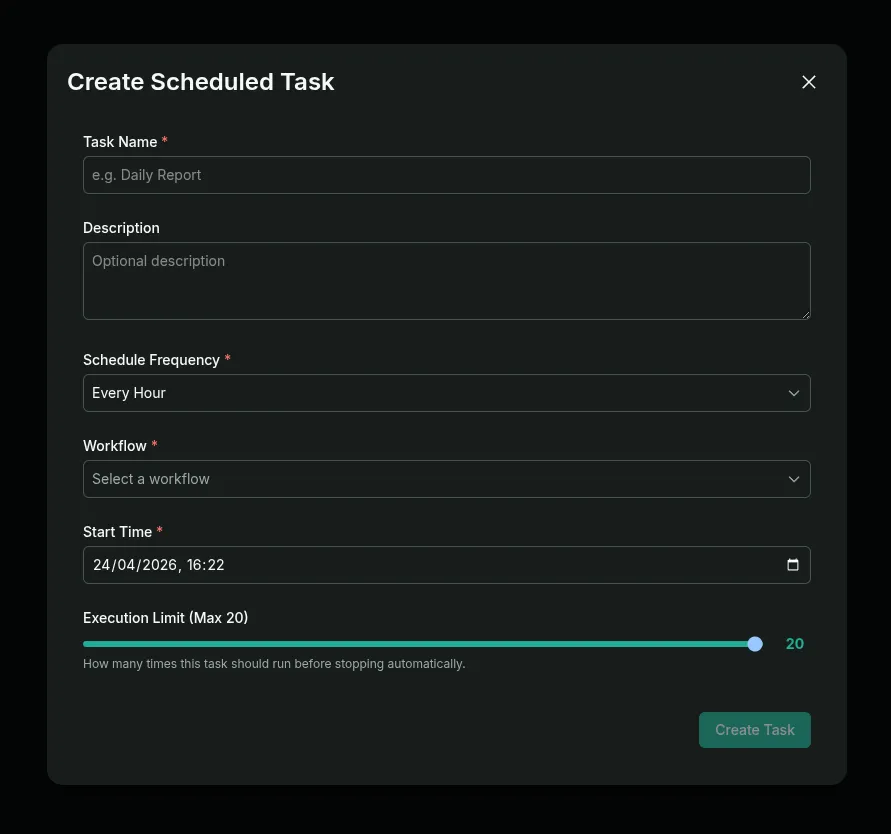
- Then the configuration modal will appear
Task Configuration
The setup involves three main steps:
- Naming — Assign a task name and description
- Execution Details — Set frequency and select a workflow (choose from community, create custom, or request Omnia assistance)
- Scheduling — Establish a start date and execution count limit (maximum 20 instances)
Example
Starting at 2:00 p.m. on January 15 with hourly execution would run the workflow every hour up to 20 times.
Results
Once configured, scheduled tasks appear in the panel. Upon execution, results populate in “All executed tasks.”
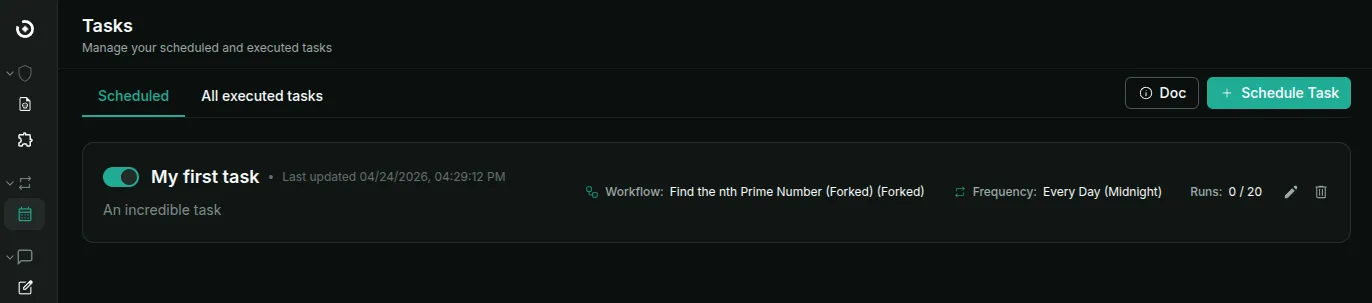
Anything that can be done with workflows can be programmed — monitoring specific IP addresses, running recurring threat checks, and more.